Step 1
Pick a goal
Lose, gain or hold, at the pace you choose. MacroStack starts you from a textbook estimate and treats it as a first guess, not the answer.

MacroStack AI
The adaptive calorie counter for iPhone.
14 days free. No card, no account. Requires iOS 17 or later. Android is in closed testing on Google Play.



The engine does the rest.
Step 1
Lose, gain or hold, at the pace you choose. MacroStack starts you from a textbook estimate and treats it as a first guess, not the answer.
Step 2
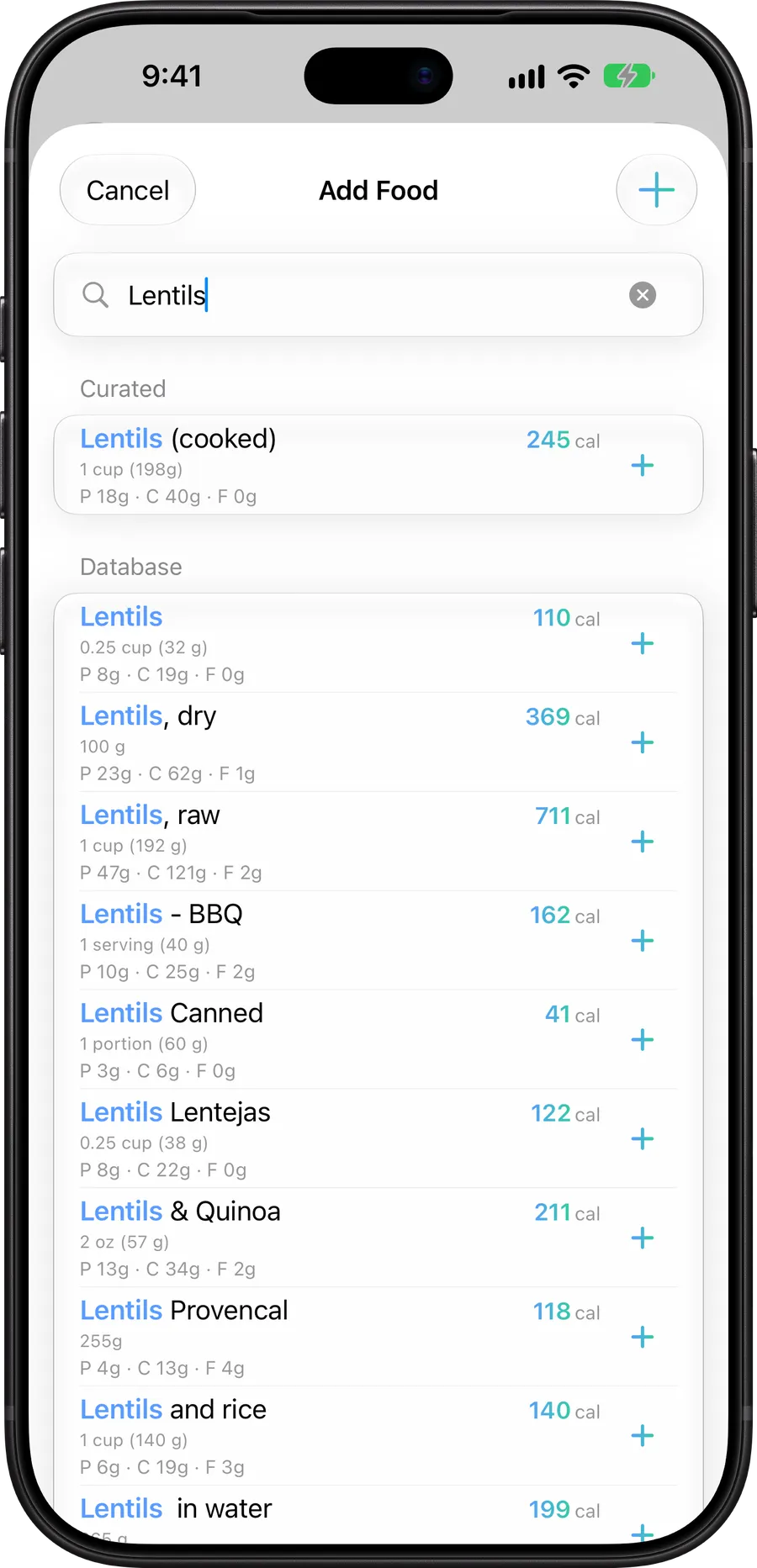
Search 480,000+ foods offline, scan a barcode, snap a photo, or tell the coach what you ate. Step on the scale when you can.
Step 3
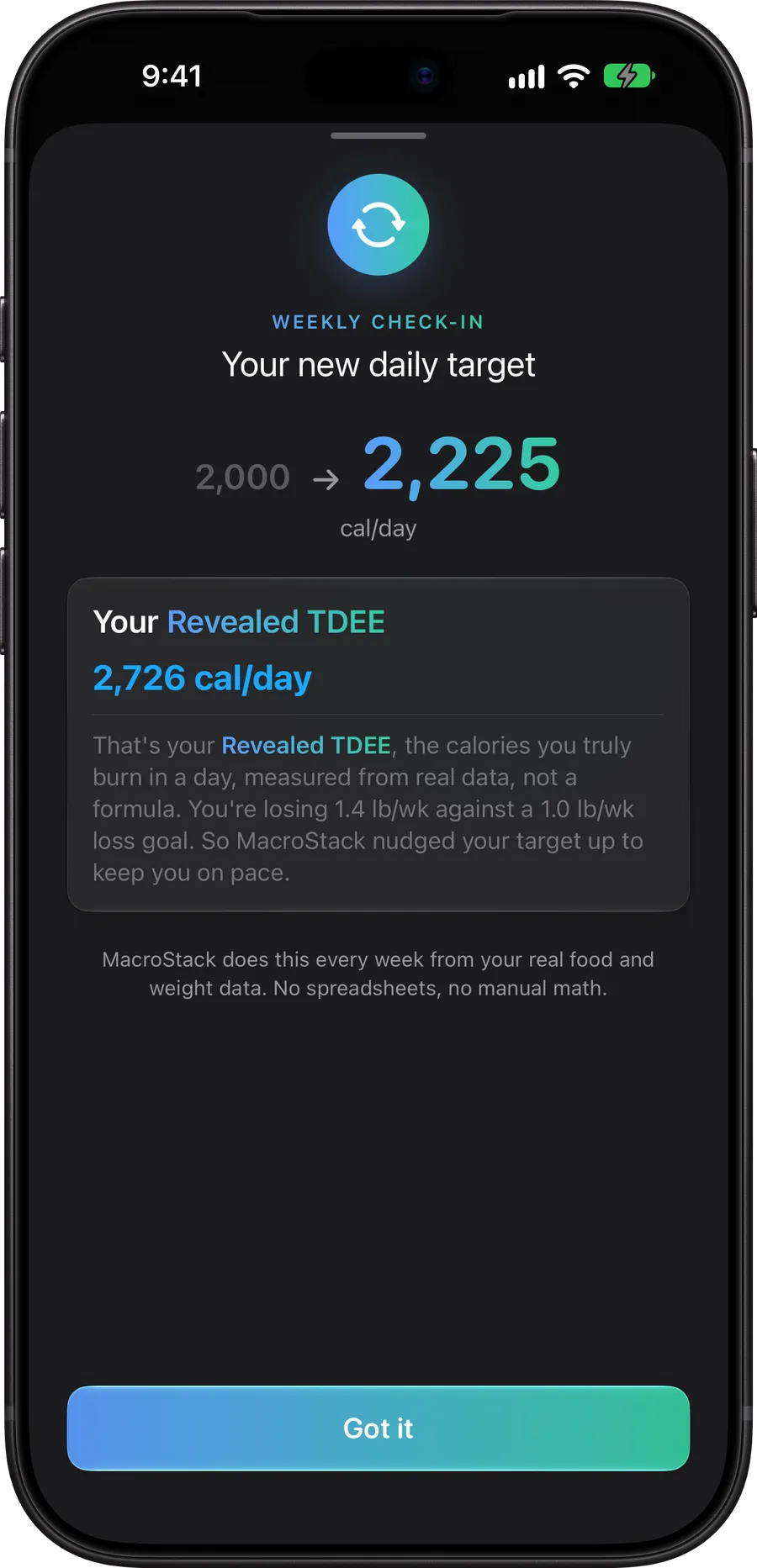
The engine compares what you logged with how your weight moved, reveals what you really burn, and retunes the target with a plain-language reason.

A textbook formula can only guess your metabolism, and your metabolism changes as you diet. A static goal quietly stops working. MacroStack treats your own results as the source of truth.
Measured, not guessed
Revealed TDEE
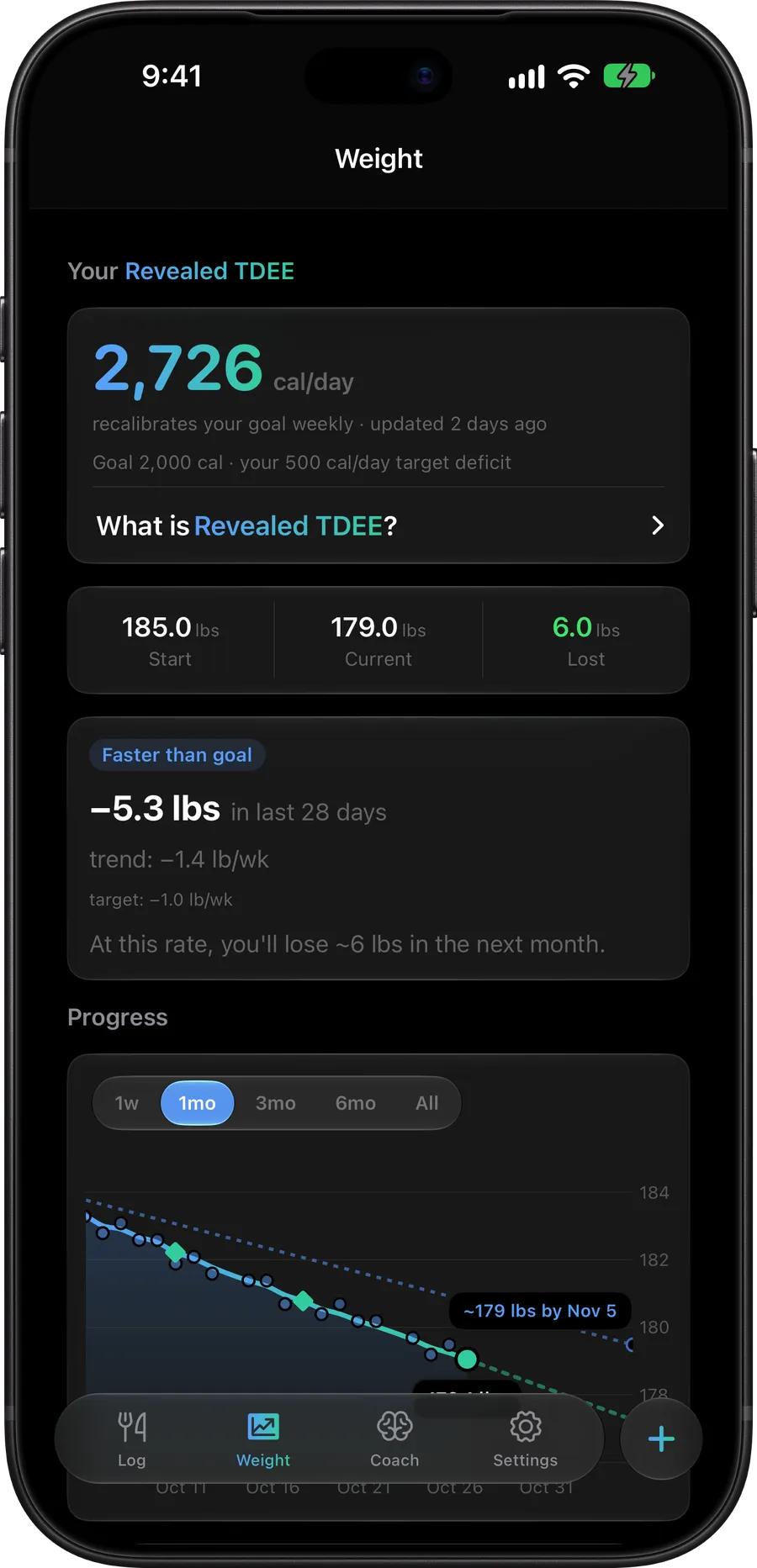
The calories you actually burn, computed from your logs and weigh-ins.
Every week
Recalibrated
Your goal moves when your results say it should, and every change is explained.
Daily noise, smoothed
Weight trend
A line you can trust, with a forecast of where you are heading.
Steady when the data says steady. No random goal churn. Cutting, bulking or maintaining, the engine works the same way.
480,000+ foods, searchable offline. Restaurant chains and popular items are built in, and your own foods and recipes sit alongside them.
The AI food scanner reads a plate and estimates calories and macros in seconds. It asks how the food was cooked when that changes the answer.

Ask what to eat. The coach answers with your remaining calories, protein gap and current goal in front of it: meal ideas, chains near you, weekly recaps.

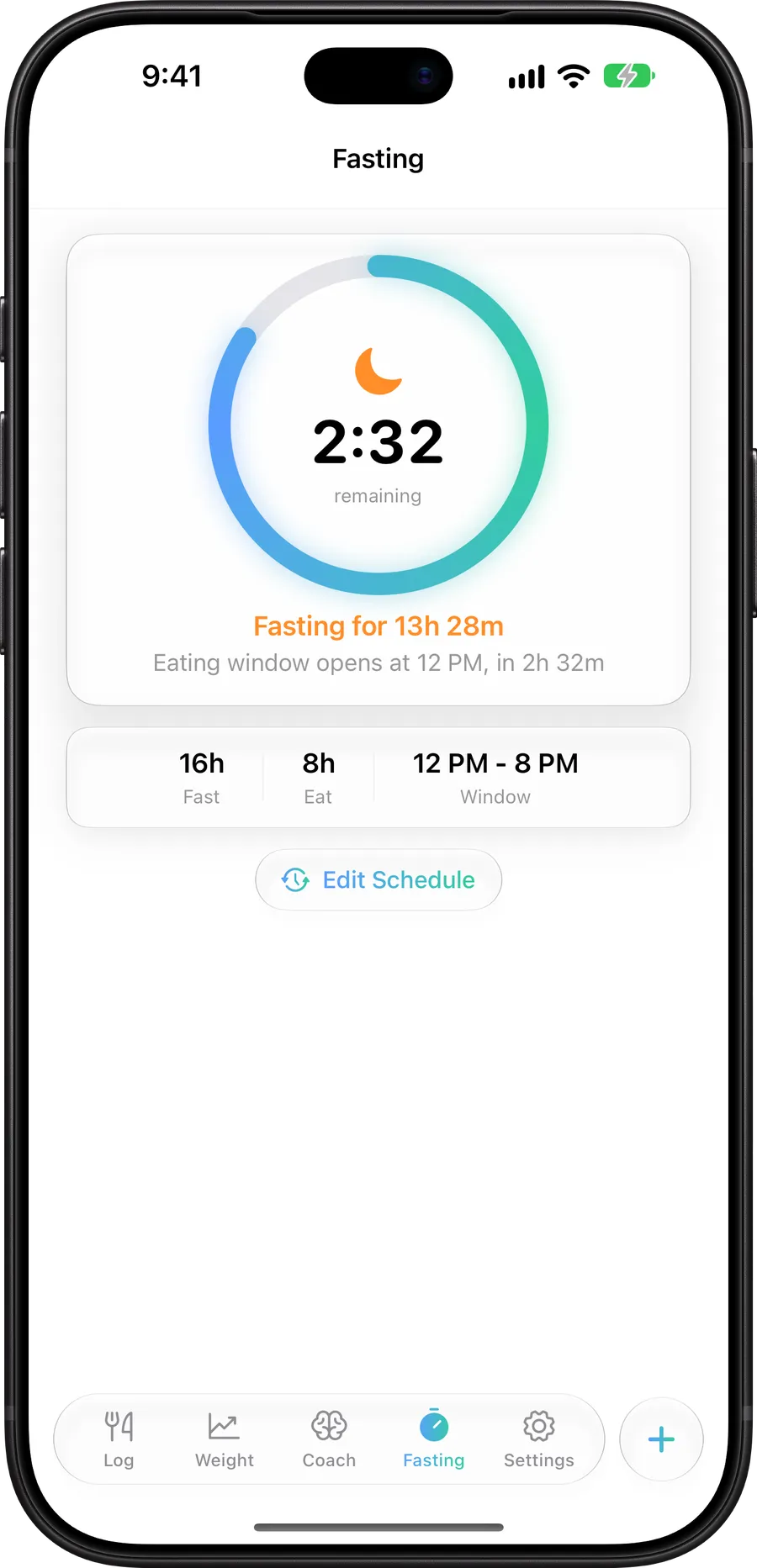
An optional fasting timer with eating window reminders. Streaks, custom recipes and encrypted backups come along too.
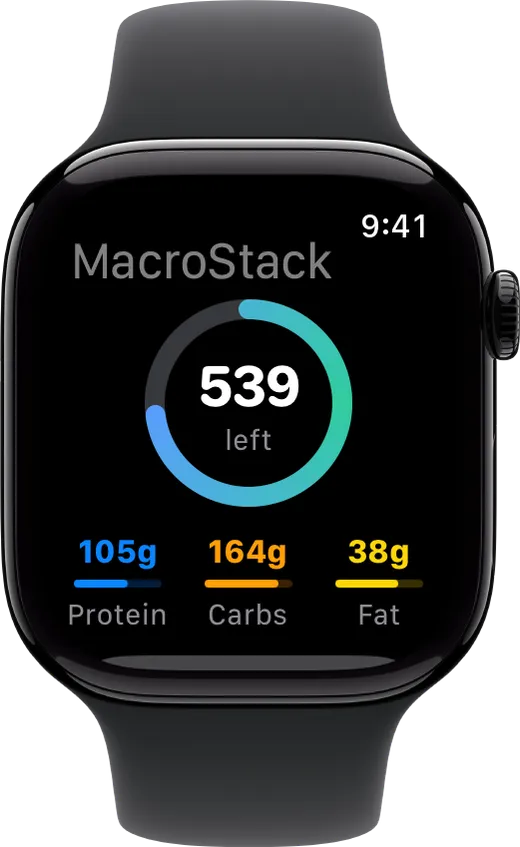
Home screen widgets, Apple Watch, iPad and iPhone Duo. Optional iCloud sync keeps every device on the same page.

Nothing to sign up for. Nothing to sell.
Download and start. There is no signup, no login and no profile on a server anywhere.
Your log lives on your phone and works offline. Export anytime, with encrypted backups when you want them.
No analytics, no ad partners, no data brokers. The scanner and coach go through our relay to the AI model and come straight back.
Everyone starts with 14 days free of the whole app: no payment up front and nothing that renews on its own. When the trial ends, pick a plan or go Lifetime. There is no limited free version.
Monthly
$3.99
per month
Cancel anytime
Annual
$34.99
per year
About $2.92 a month
Lifetime
$59.99
one time
Pay once, keep it
Your store shows local pricing. Subscriptions renew at the listed price unless cancelled at least 24 hours before the period ends. Manage or cancel them in your Apple Account settings.
A normal counter hands you a goal from a formula and never checks whether it works. MacroStack treats that number as a first guess. Every week it compares what you logged against how your weight actually moved, works out what your body really burns, and retunes the goal. Each change comes with a plain-language reason.
No. There is no signup and no login. Download it, answer a few questions, and start logging. Your data lives on your phone.
Logging, the 480,000+ food search, barcode lookups of foods in the bundled database, weigh-ins, the ring and the weekly check-in all work without a connection. The AI food scanner and the coach need the internet because they talk to a cloud model.
Everyone starts with 14 days of the whole app, with no payment and nothing that renews on its own. When it ends, full access needs a Monthly or Annual plan or the one-time Lifetime purchase. There is no limited free version.
Yes, and it is in closed testing on Google Play while Google reviews it. It matches the iPhone app feature for feature and reads the same backup files, so you can move between platforms. Email support to join the test.
The food scanner sends the photo you take. The coach sends your message and today’s numbers, so its answers are grounded in your actual day. Requests go through our relay to the model on a paid tier that does not train on them. No name, email or account exists to attach. The privacy policy lists exactly what is sent.
Yes, through Apple Health, and only if you turn it on. MacroStack writes your weigh-ins and each day’s nutrition to Health and brings in weigh-ins that a scale or watch adds there. Calories a watch estimates are ignored on purpose: the engine measures your burn from what you log and weigh, and an estimate would only add noise.